OOO - Play With Zoom
A video recording app with a playful twist — more of a toy than a professional camera app, it had a focus on producing comedic videos through the use of zoom and meme-worthy custom songs.
OOO is the first native app I personally developed and the most significant non-client project This Also undertook while the studio was active. I was the sole developer, helped create features, and managed our App Store Connect page and Test Flight builds. OOO was featured on the iOS App Store home page and in tech publications such as TechCrunch. Before being shut down it was downloaded over 160,000 times.
The App
OOO took two simple ideas — zooming in on video and music — and made them dead simple and enjoyable to use. It was born out of This Also’s love of short-form comedic internet videos and took inspiration from the tropes found on popular services like Vine and Instagram Stories such as whip zooms and using recognizable music clips as comedic shorthand.
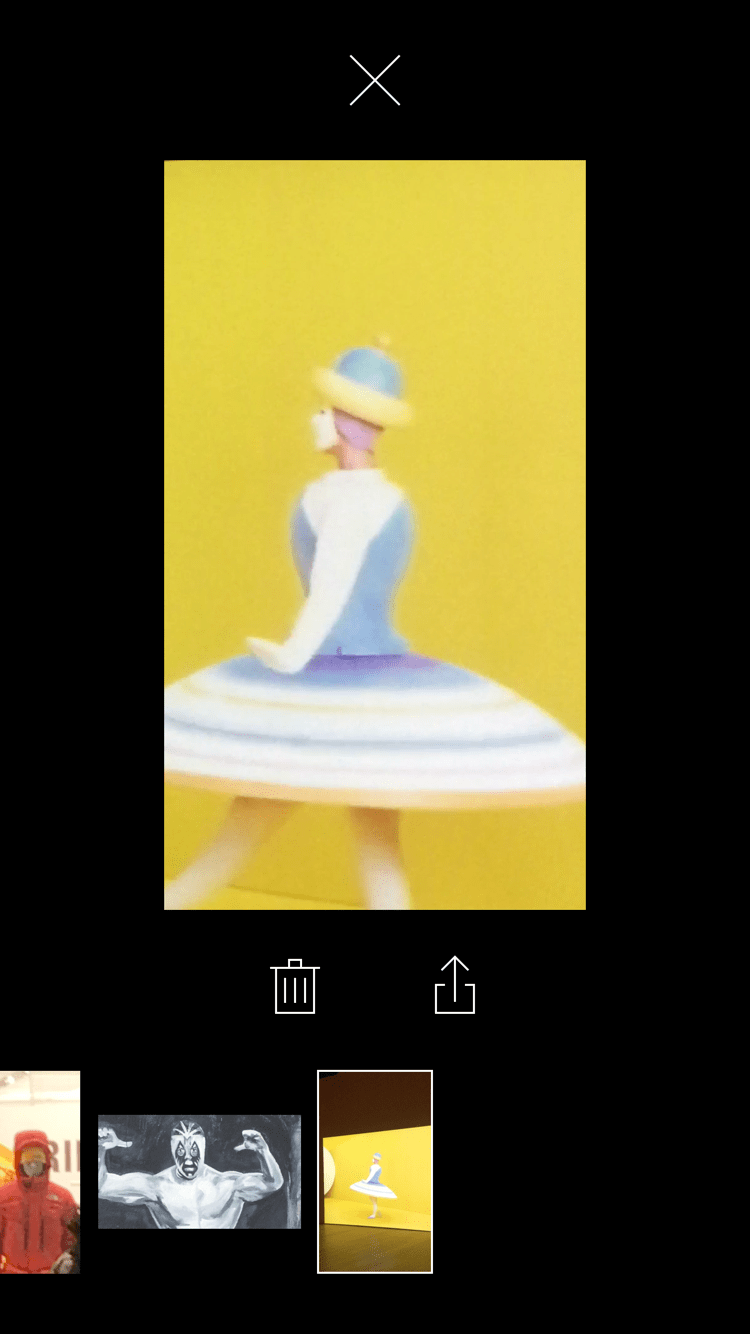
We chose to focus entirely on the recording experience and didn’t build an editor or social feed, instead relying on a simple in-app gallery where videos could be watched, deleted or shared using the iOS share sheet. Videos were also synced to an app-specific album in the user's Photo Library.
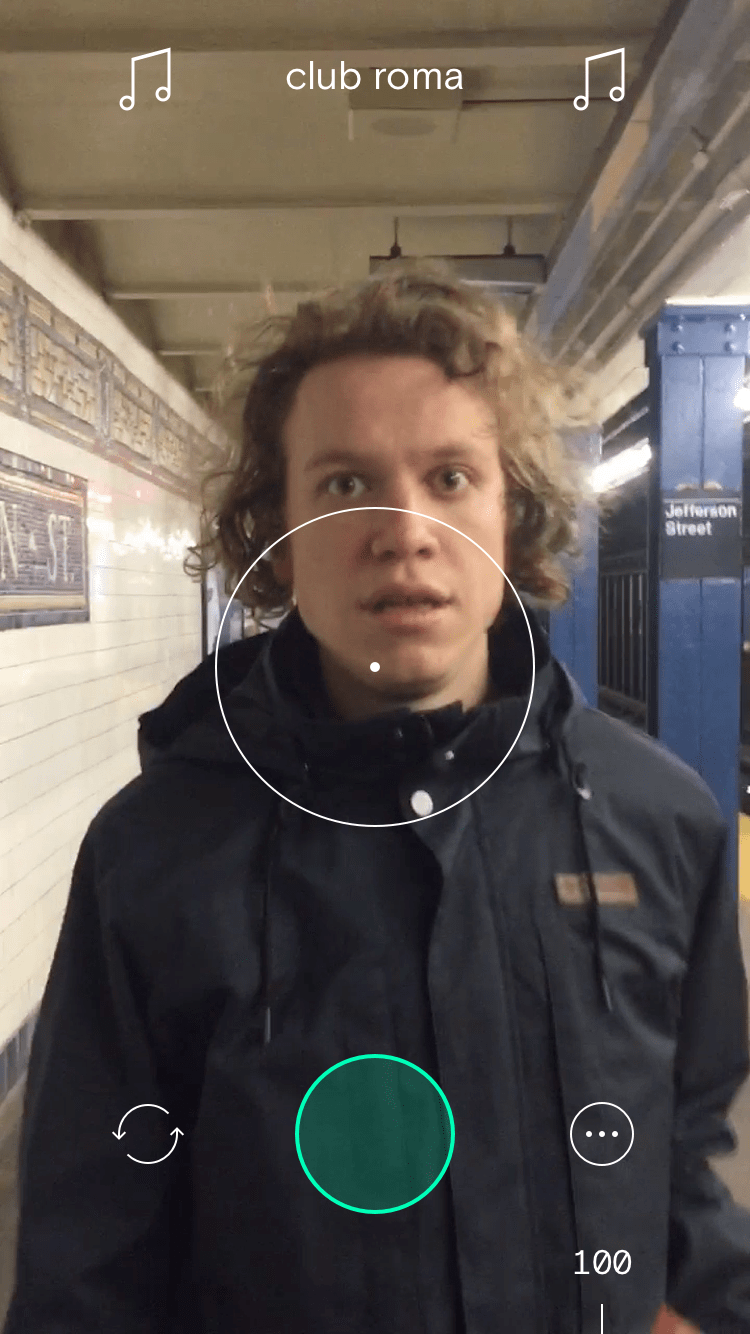
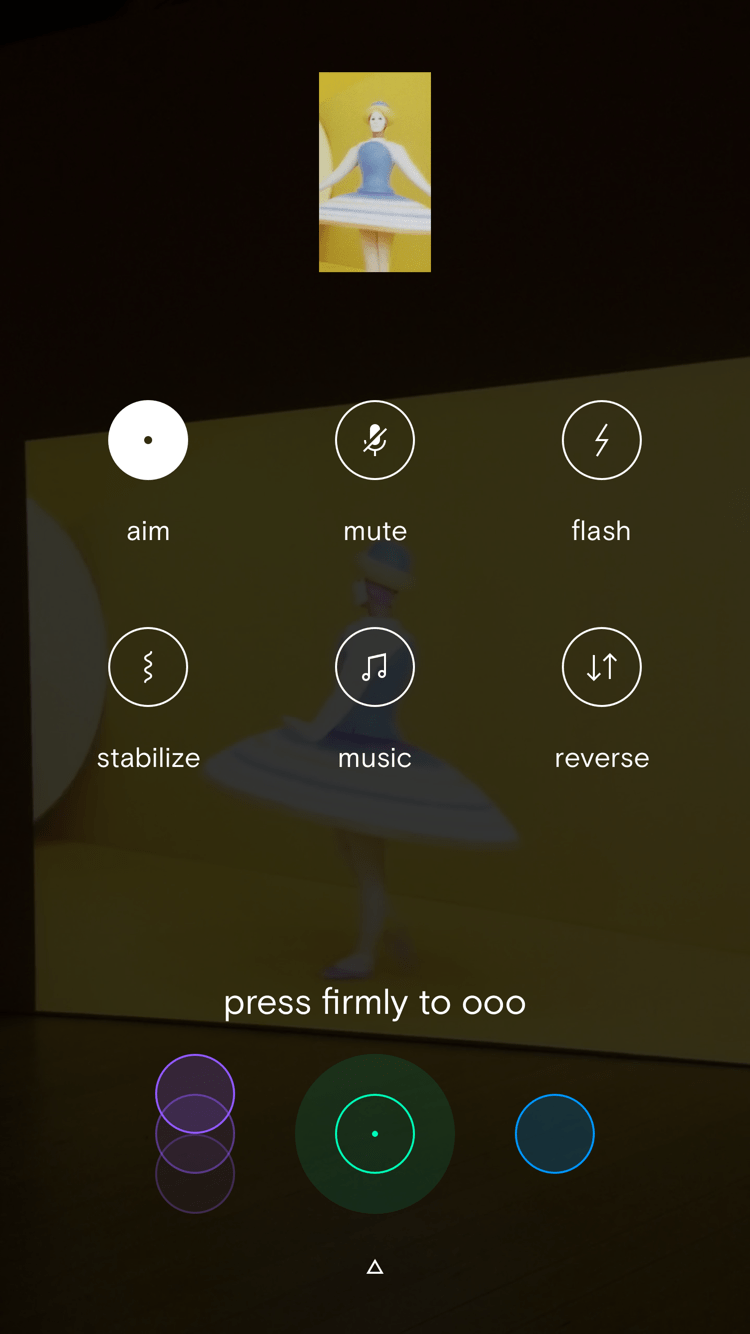
There were other nice-to-have features, like image stabilization (great for zooming as far as iOS would allow), reversing the zoom direction, and setting a max zoom amount.
Zooming
We built three zoom controls. The simplest was a timer, which would smoothly zoom in for a set amount of time until it had zoomed all the way in. The next let users slide the shutter button up and down the screen. Up zoomed in, while down zoomed back out. The last — and our favorite by far — used 3D Touch, Apple’s short-lived pressure sensitive screen technology (on compatible devices). The amount that the video zoomed was directly tied to how hard you pressed the record button. It was intuitive and fun, and we thought it spoke to the unrealized potential of 3D Touch as more than a glorified long-press / right-click.
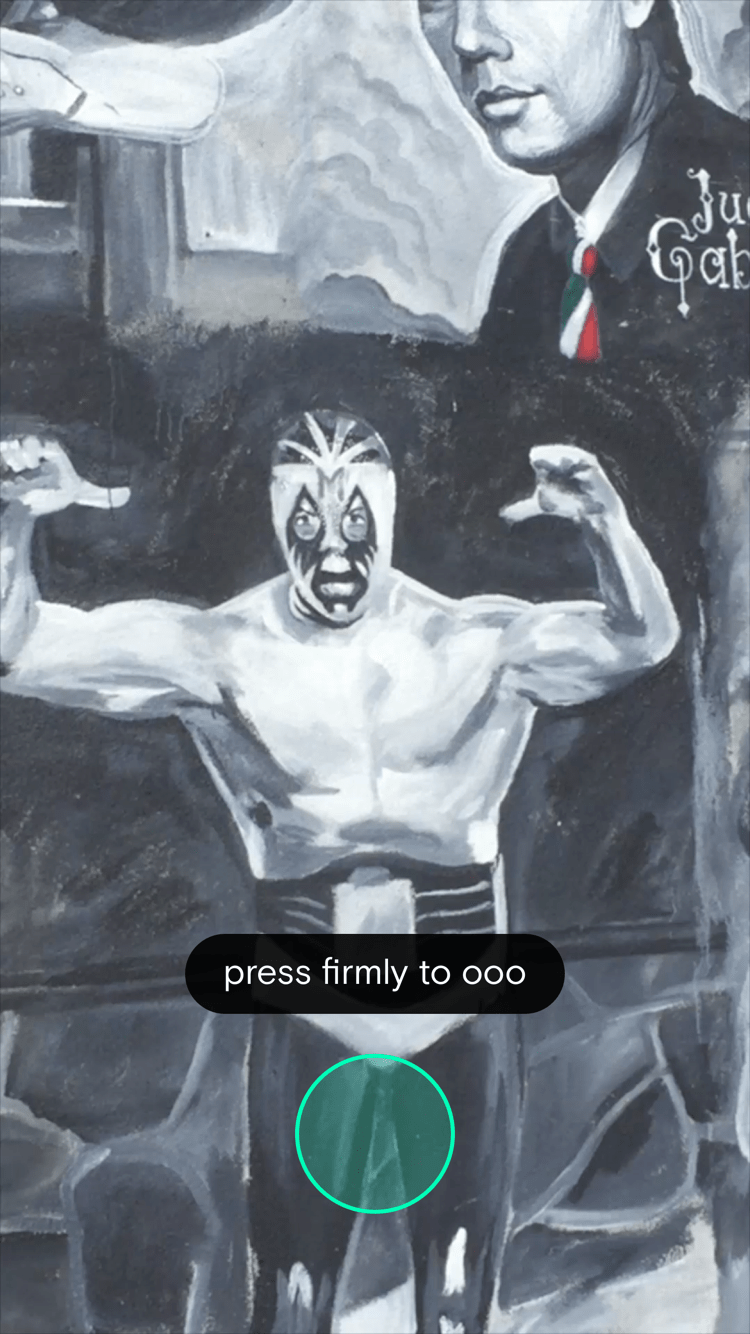
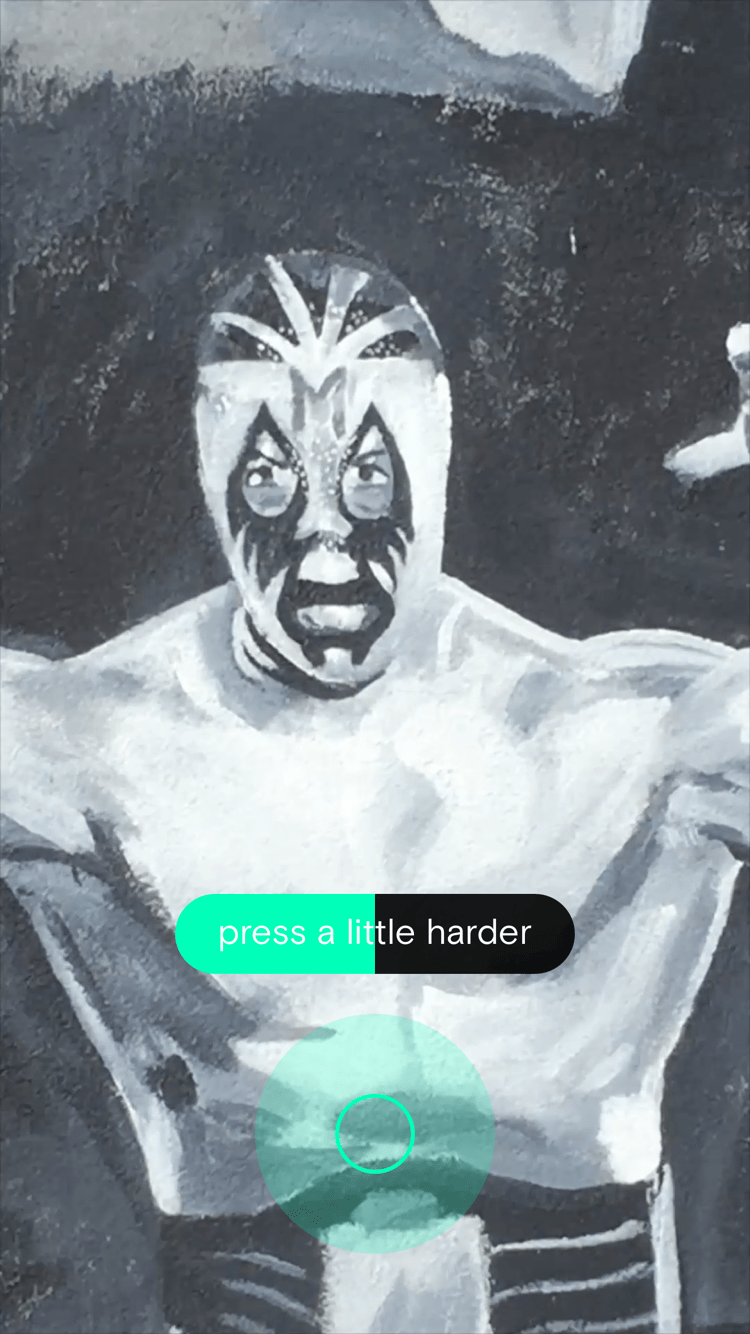
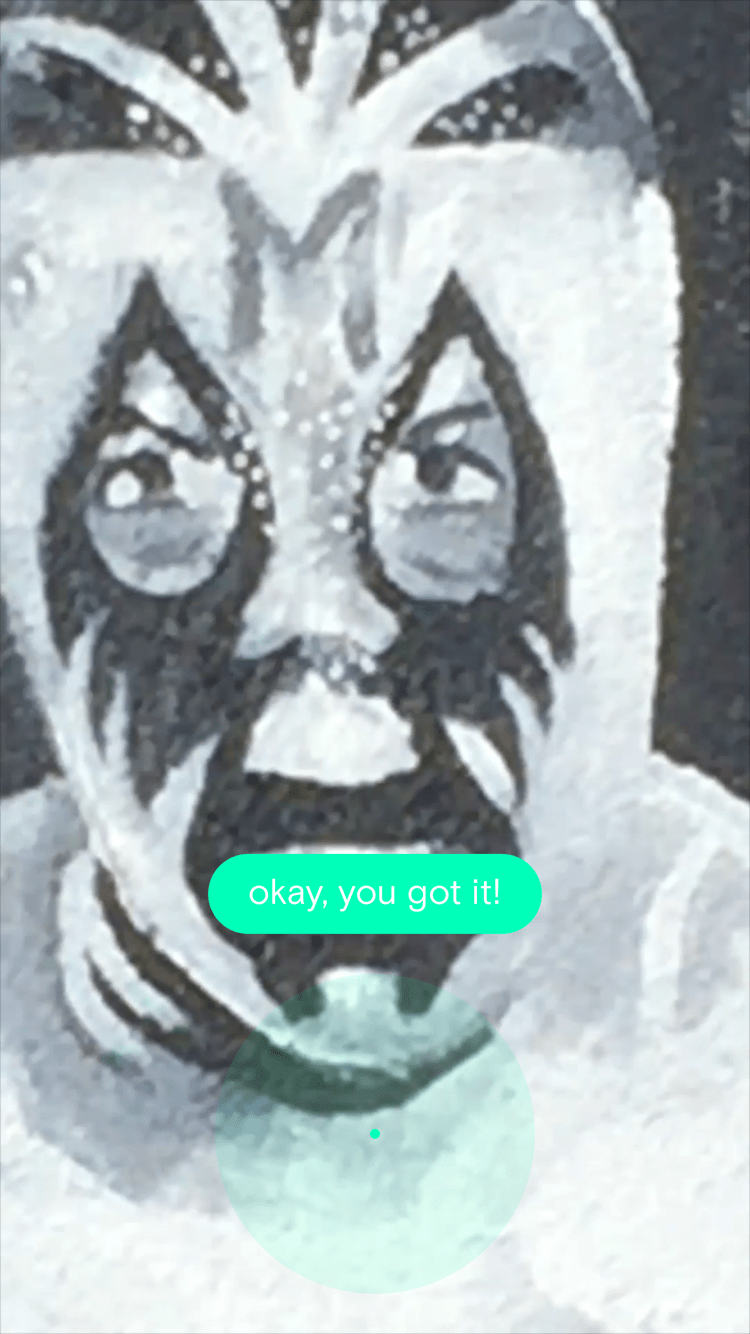
Each button-type was color-coded and had a unique animation tied to it that hinted at its usage. The first time a user used a particular button they were met with a short, interactive tutorial instructing them on how it functioned.
Music and Audio
The app was pre-loaded with songs that could be added to videos. Each song was made in the style of a stock music asset — something that conveyed a meaning without being a full song in it’s own right. Two of our designers, Brendon Avalos and Brian Baker, were also talented musicians and worked to create each track to suit a comedic theme. These songs are archived on This Also’s SoundCloud page.
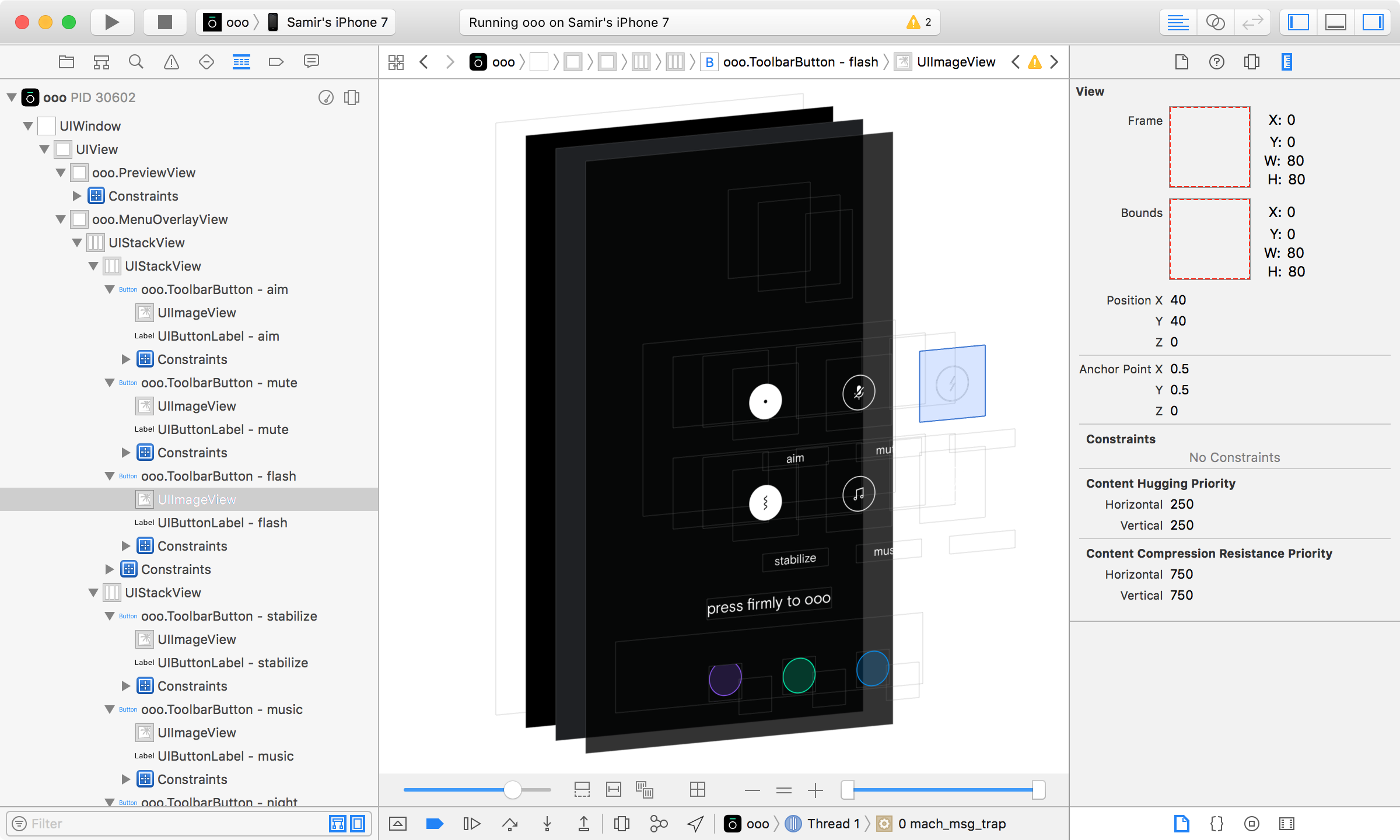
Music could be enabled or disabled, and when enabled you could tap the song title to cycle through a playlist of options. You were also able to allow or disallow the microphone from recording diegetic audio. The combination of these two audio settings presented some interesting problems.
If…else if…else…
We didn’t build an editor or a way to add music after a video was shot so what you recorded was what you got. Because of this we wanted users to be able to hear the music that was playing while recording but this was complicated by other things like mic settings or headphone usage. If the mic was muted, we would play the track over the phone's speakers and then add the music track to the final video in code to get very clean audio. But if the mic was enabled then it would pick up the music as well as other audio in the scene, so we couldn't add it in post since it was picked up during recording, resulting in a slightly muddier music track. In this latter case we also needed to detect if the user was using headphones. If that was the case then the video would have the mic audio but no music, and we would again need to add it back in post, like in the first example.
Even though these options gave different mixes of audio quality in each case, they were the most “it just works” options available that let users record without worrying about how any combination of settings might affect audio features and quality.
App Store Assets
When Apple asked to feature us in the App Store, we put together a small package of banners and promo materials. These were some of my favorite unused banners.


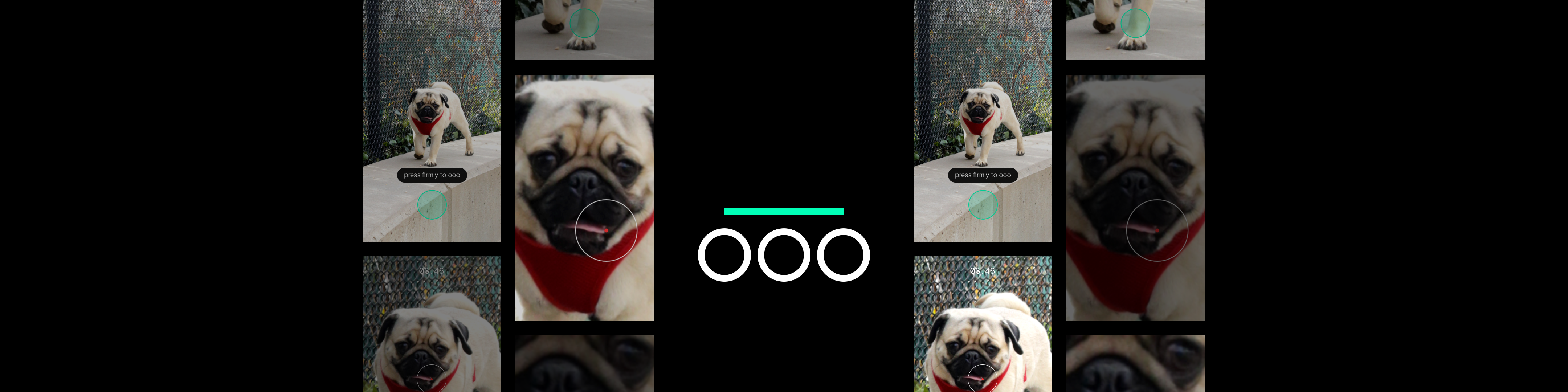
Dog facts
Emilio the pug was OOO and This Also's unofficial mascot.